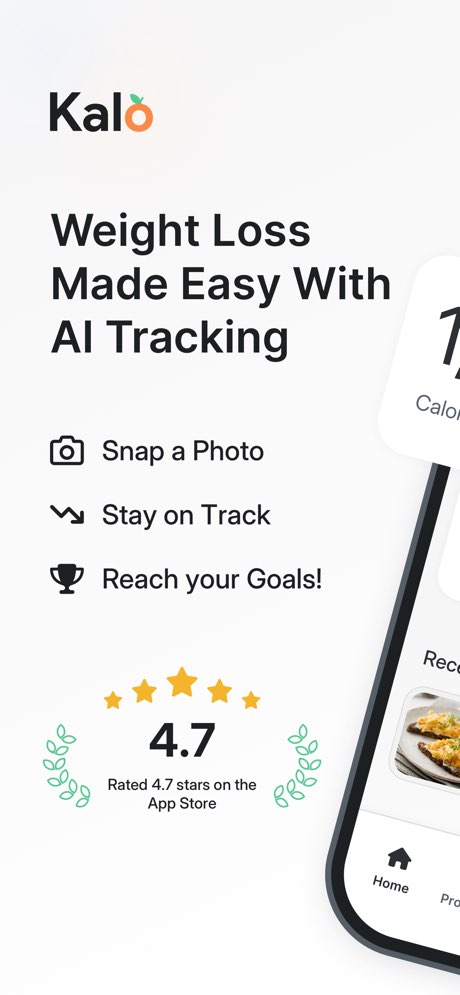
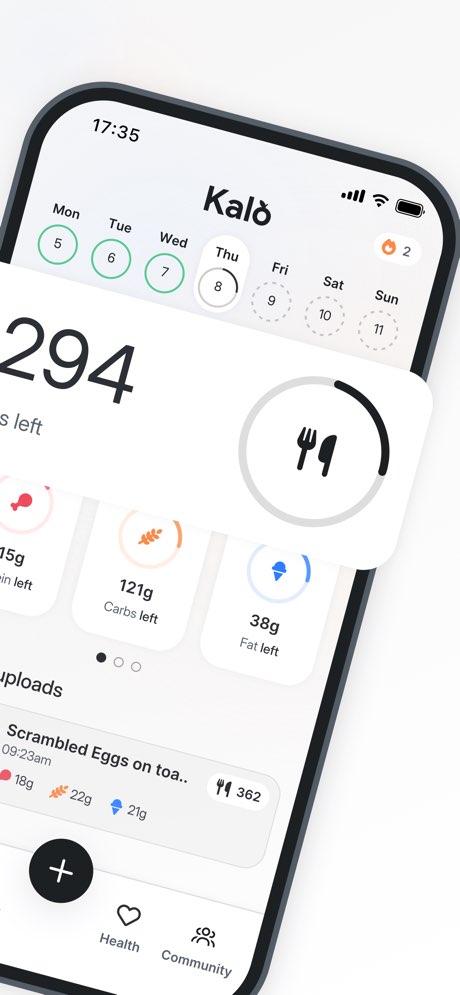
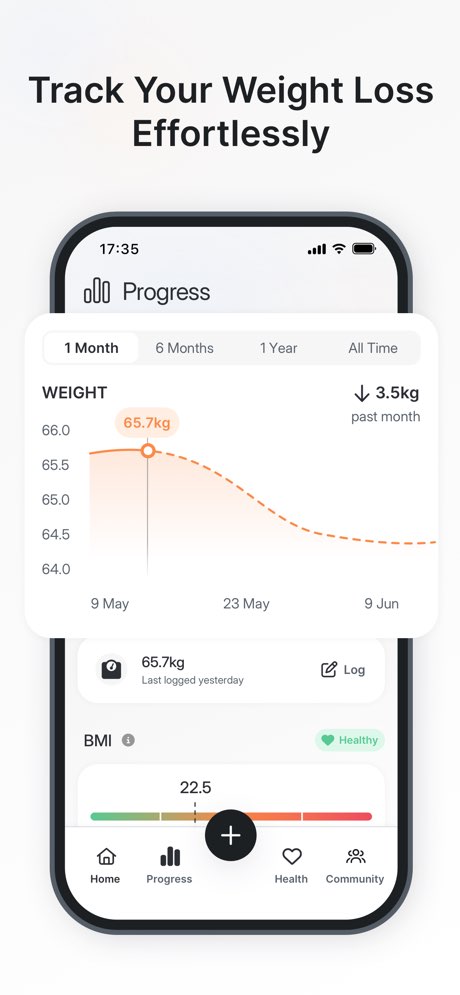
Kalo - AI Calorie Tracking

Food tracking & weight loss.
Goal fit
How well this app matches common goals (0–10 from our enrichment). Higher means a stronger match.
- Weight loss9.0/10
- Calorie awareness8.0/10
- Fat loss8.0/10
- Macro tracking8.0/10
- Body recomposition7.5/10
- Consistency7.5/10
- General health7.5/10
- Habit building7.5/10
- Meal planning7.5/10
- Muscle gain7.5/10
- Nutrition education7.5/10
- Weight maintenance7.5/10
Who is it for?
Notes from our editorial team.
Best for
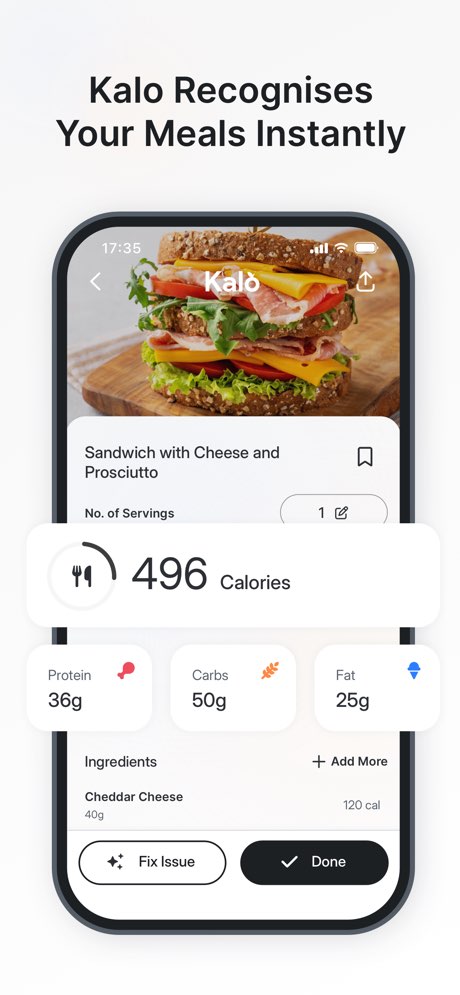
- •Busy Individuals — Ideal for those needing quick and effortless meal logging through AI photo, barcode, or voice input.
- •AI-Driven Tracking Enthusiasts — Suited for users who prioritize artificial intelligence for nutrition analysis and insights.
- •Macro & Calorie Managers — Excellent for individuals focused on precise tracking of calories, protein, carbs, and fats.
- •Community-Oriented Users — Good for those who benefit from challenges, streaks, and group motivation to stay consistent.
Less ideal for
- •Apple Health Power Users — Not ideal for users who require seamless and complete synchronization of all food and water data with Apple Health.
- •UI/UX Sensitive Individuals — May frustrate users who expect a highly polished, intuitive interface free from navigation issues and frequent bugs.
- •Direct Coaching Seekers — Unsuitable for those looking for one-on-one human coaching or advanced, personalized meal planning services.
Review themes
Recurring topics in App Store reviews—what people praise vs. what frustrates them.
Liked themes
AI Photo Logging
The AI photo logging feature makes meal tracking quick, easy, and less tedious for users.
~3 mentions
Ease of Use
The app simplifies the process of calorie and macro tracking, saving users significant time.
~3 mentions
Consistency Support
Kalo helps users stay consistent with their diet plans and weight loss objectives.
~2 mentions
Macro Tracking
The app effectively helps users understand and monitor their macronutrient intake.
~2 mentions
Fasting Support
The app provides useful support for intermittent fasting protocols.
~1 mentions
Disliked themes
UI/UX Issues
Users report a clunky user interface with excessive tapping required for navigation and common tasks.
~2 mentions
Apple Health Sync Gaps
There are complaints about incomplete synchronization of food and water data with Apple Health.
~2 mentions
Bugginess
The app is frequently updated, but users report persistent bugs that are not resolved.
~1 mentions
Water Tracking UX
The water tracking feature is inconveniently located and lacks integration with Apple Health.
~1 mentions
Value for Money
Some users find the subscription price to be a regrettable expense given the app's functional flaws.
~1 mentions
Editorial guide score
Our independent score for Kalo - AI Calorie Tracking—based on features, pricing, and feedback themes.
Score breakdown
- User feedback8.5/10
- Pricing value7.7/10
- Accuracy8.3/10
- Feature depth9.0/10
- Ease of use8.6/10
- Beginner friendliness8.4/10
- Coachability7.4/10
Pricing & trials
Store listing
Free · 9 in-app purchase option(s)
Trial
New users can try 3 free AI camera scans, with other sources indicating a free trial for all premium features.
Pricing tiers
- Monthly
- $7.99
- Yearly
- $29.99
Features we track
Click to see all apps that support this feature.